
parts too much detail
I am curious, how much can your program handle, what is the max detail? Is it triangle amount? What kind of results do I get if I put to many parts in? I ask because I'm getting odd errors with my elegoo 5 16k Ultra. The parts start out fine then at the top something won't print, or just a piece of it won't...
I have attached a file 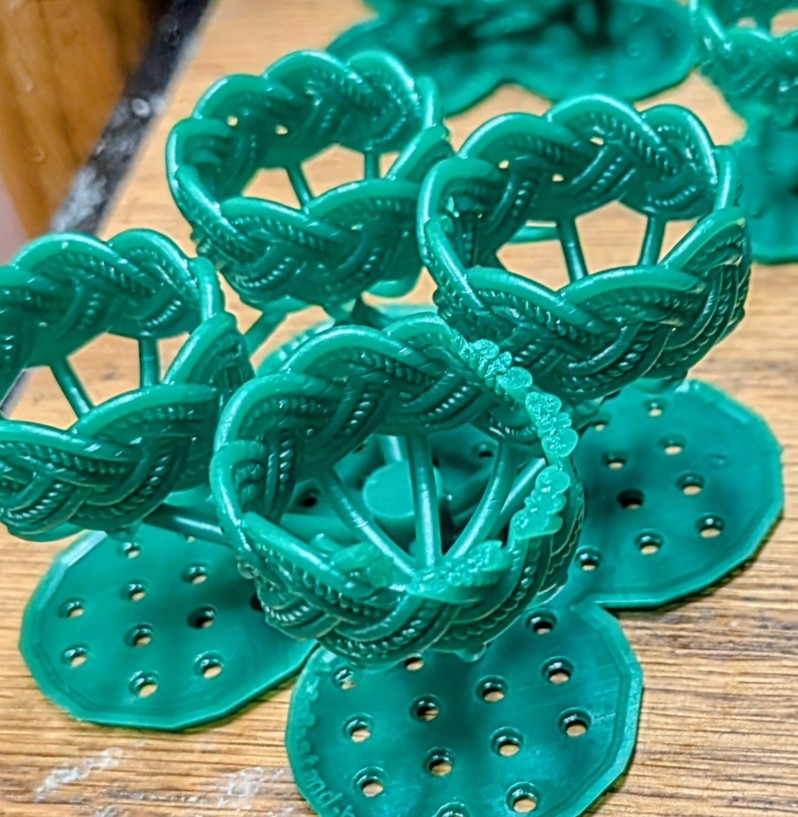
Hi Jefree,
That looks like part is not finished during the print. Could be a printer processing error?
I've seen it in the past that memory on the machines was limited; but not sure that is still the case. i.e. printing a checkboard of 10x10 pixels all over the platform was crashing machines.
You can always check the slice job (.goo/.ctb), by overlaying it over the 3d file in formware3d.
Menubar -> print job -> import job/file.
Then you can see the exact pixel output that is run length encode in the print file.
The software is able to output extremely large resolutions of up to 50k times 100k pixels. It's all runlength written, memory optimized.
If you load a lot of different jewelry meshes, the bottleneck might be your GPU showing at a high frame rate. A typical GPU has aroudn 50 mln triangle count at which is starts to get slow in display.
What you can do to mitigate that:
- Use 'linked copies' when making a copy of a part (in array copy). That doesnt' copy the mesh in memory/gpu memory; only the output in the slice file. Just draw's the same mesh on a 2nd location.
- In config 'appearance' (i think) you can put parts to boundingbox display during view navigation and dragging; that helps a lot.
- Try and use mesh-reduce; i'm aware not always possible on jewelry parts
- Use a heavier PC.
Hope that helps?
Elco
thank you, lots of stuff to try here, I'll get back with you and let you know.